User guide
Working together
Share the open project and work in it live with others, from Lapin or from a browser.
Several people can work in the same project at the same time, as players join a game's server. One of you shares the project from Lapin on their computer: they are the host. The others join as guests, from Lapin on their own computer or from a browser, with the link the host sends them.
The project stays on the host's computer, and the host's Lapin decides every edit. Guests see the model as it changes, draw with the same tools, and see where the others are.
Share the project
File → Share session…, give your name, choose how guests join, then press Share:
- editors model as you do;
- viewers look and move around, and change nothing.
Lapin shows a link and a code. Send the link to whoever joins from a browser, and the code to whoever joins from Lapin. Anyone who has them can join until you press Stop sharing. Each time you share, the link and the code are new.
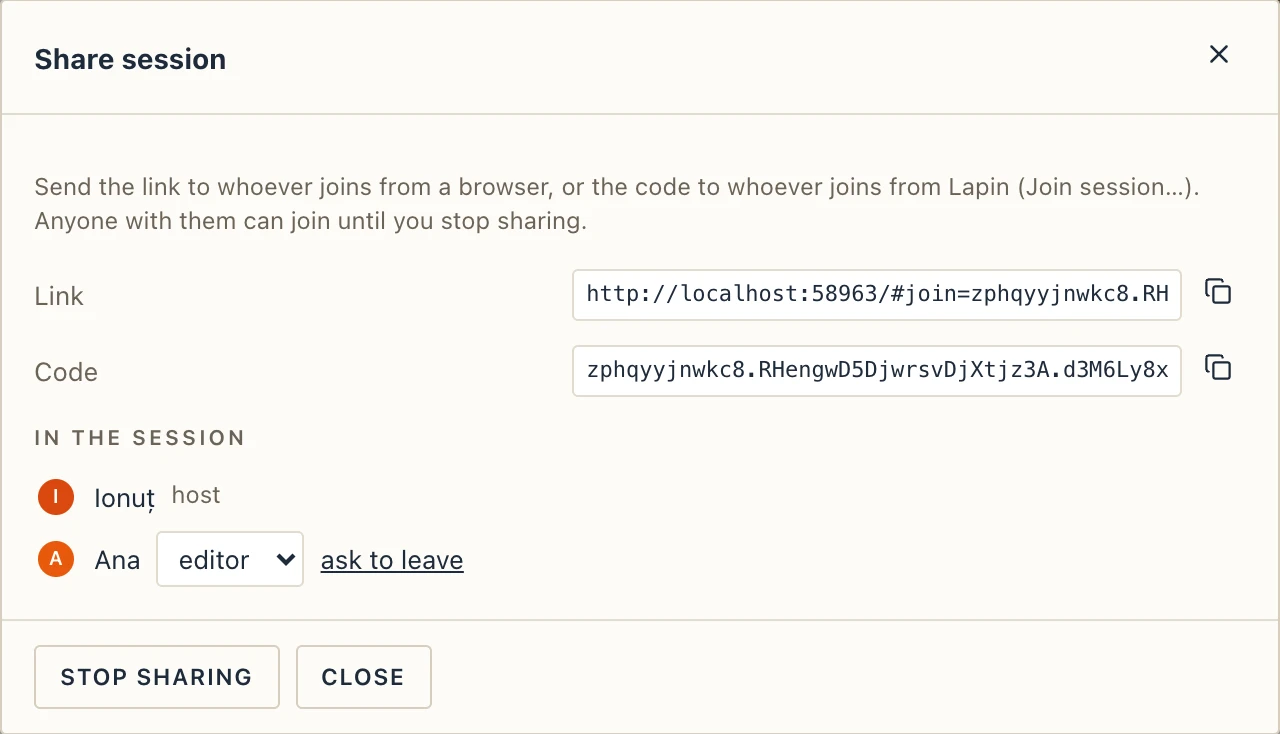
In the same dialog you can make a guest an editor or a viewer, or ask them to leave. Close it, and the session goes on. The people icon next to the participants in the top bar opens it again.
While the project is shared and has a file, Lapin saves it every 5 minutes. Only the host saves; guests can export IFC and 3D files for themselves.
Join a session
- From a browser: open the link, give your name and press Join. Nothing to install.
- From Lapin: on the start screen, or in File, choose Join session…, paste the link or the code and give your name.
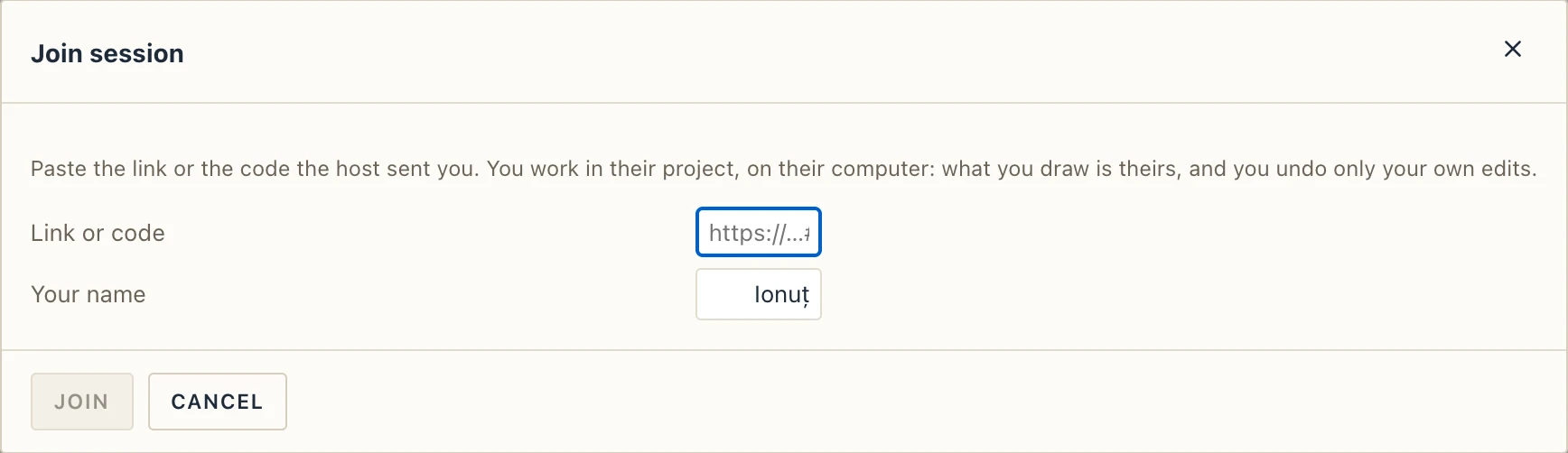
A bar at the bottom says whose session you are in. Leave takes you back to your own Lapin. If the host stops sharing or closes Lapin, Lapin tells you, and you go back with Back to Lapin.
Who is where
The participants are in the top bar, each with their colour. Click one to go to the view they are looking at.

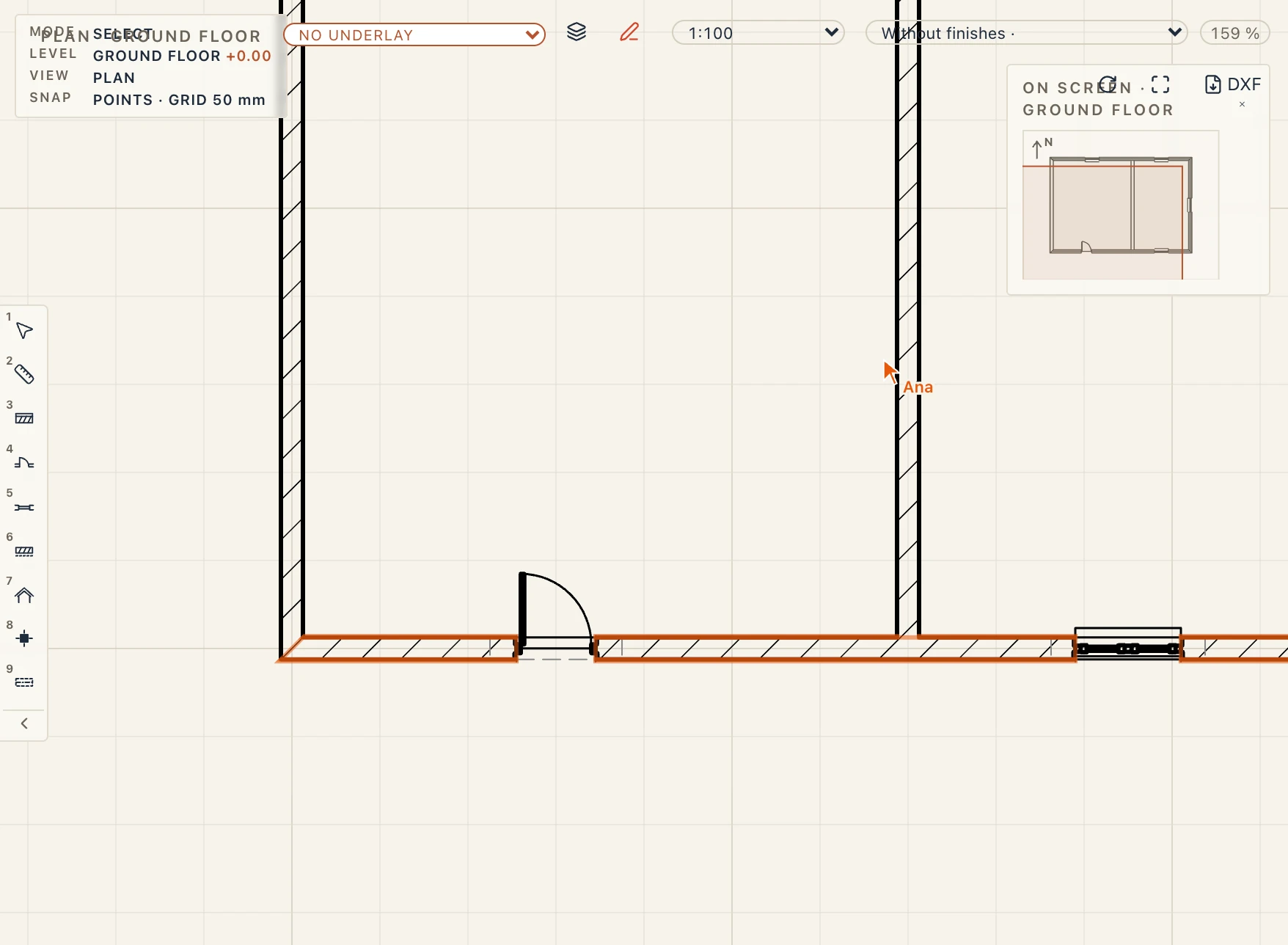
In plan you see the others' cursors with their names, and what they have selected, outlined in their colour.
Undo is your own
Ctrl Z undoes your last edit, not someone else's. If someone changed it after you, Lapin leaves it as it is and tells you who did. Then your undo goes no further back than that edit.
Safe by design
- Everything between the host and the guests goes through Lapin's relay, encrypted end to end with the invitation's key. The relay passes it on and cannot read it.
- A guest cannot open, save or read files on the host's computer, nor open another project there.
- Lapin opens nothing to the network until you share, and stops when you stop.