Brugervejledning
Classifications and parameters
Uniclass, OmniClass, CCI or the office's own codes on elements and types, keynotes, parameters defined once for the whole project, and how they reach IFC and the labels.
A classification gives each element a code from a system your office or country uses: Uniclass Ss_25_10, an OmniClass number, a CCI code, a keynote of your own. Manage → Classifications… holds the systems and the project's shared parameters.
Systems
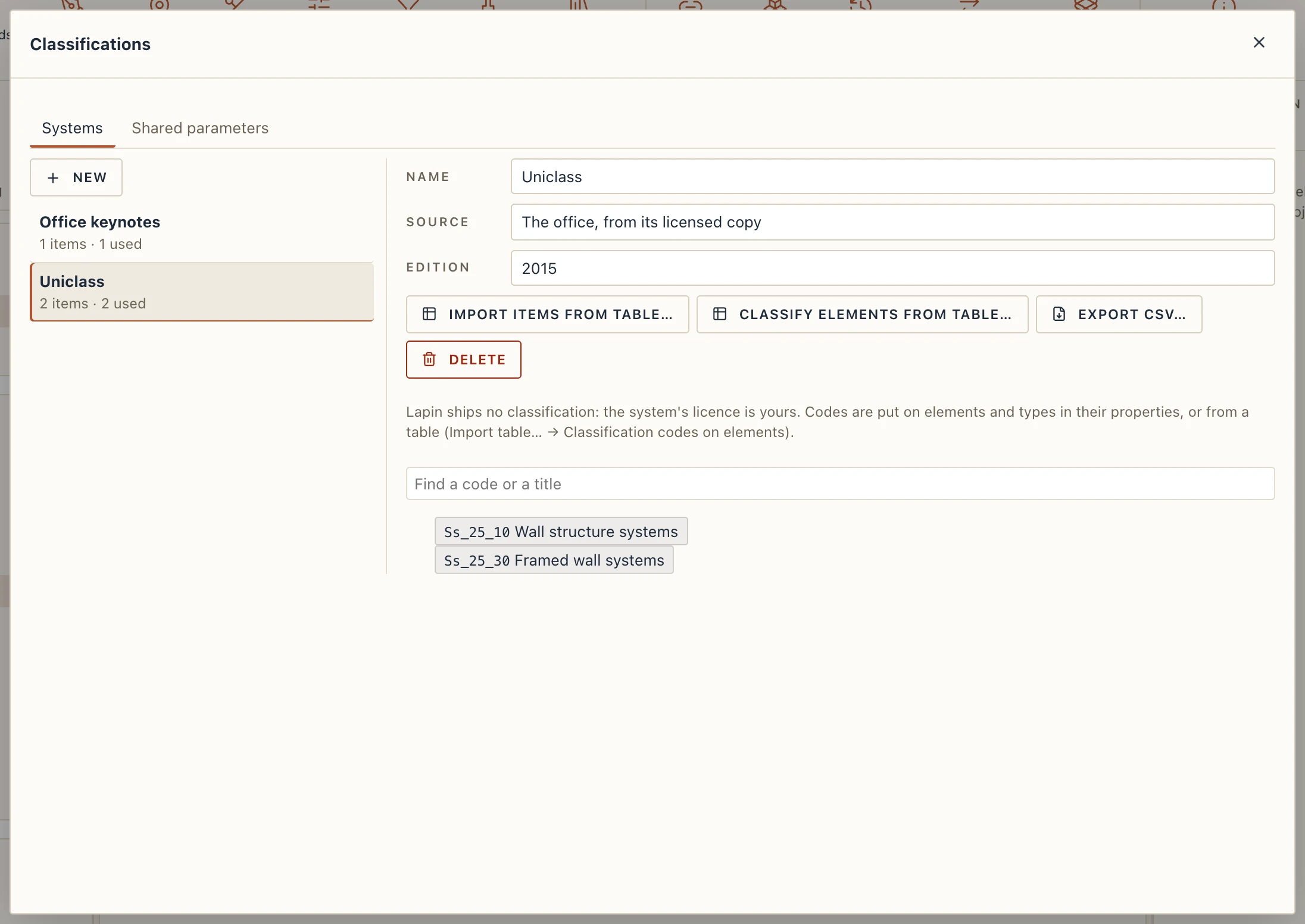
The Systems tab lists the project's classifications, each with its number of items and how many elements and types use it.
- New makes an empty system. Name it, and fill in its Source (whose it is: the publisher, the office) and its Edition.
- Import items from table… reads a CSV or Excel file, or pasted cells: a code, a title and the code of the parent. See Import table… for how columns are matched, previewed and imported.
- The tree shows the items; Find a code or a title searches it.
- Classify elements from table… gives codes to many elements at once: a table of elements (by GlobalId, mark or name) and their codes in this system.
- Export CSV… writes the system back as a CSV Lapin reads again. Delete removes a system with its codes (it asks, saying how many elements and types lose theirs).
Codes on elements and types
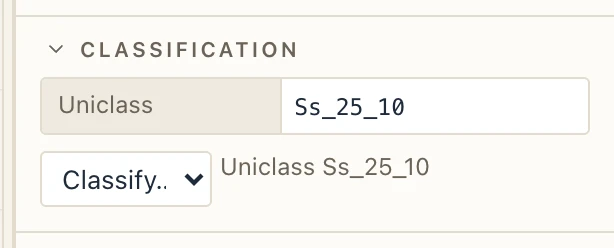
Select an element: Properties → Classification has Classify…. Choose a system, search its tree for the code, click it. Each system has one code on an element; the × by it takes the code off. Several selected elements of one kind take it together.
The code of a type is the type's: the elements of the type carry it unless they have a code of their own.
Keynotes
A system need not come from a publisher. When you search for a code the system lacks, Use “…” as a new code adds it to the system as an item of your own, with the title you type after the code (K12 Fire-stopped joint). The office's keynotes grow as you use them.
In labels
A tag, a schedule or a text reads the code: {classification.code} and {classification.title} write the first code the element has, {classification.Uniclass} the code of the system by that name.
IFC
Classifications go out in IFC as IFC itself keeps them: each system an IfcClassification, each code an IfcClassificationReference related to the elements and types that carry it (with the parents' references nested). When Lapin opens an IFC file with them, each classification becomes a system of the project and each reference one of its items, put on the elements and types it relates to. A Lapin model keeps its codes through IFC and back.
Shared parameters
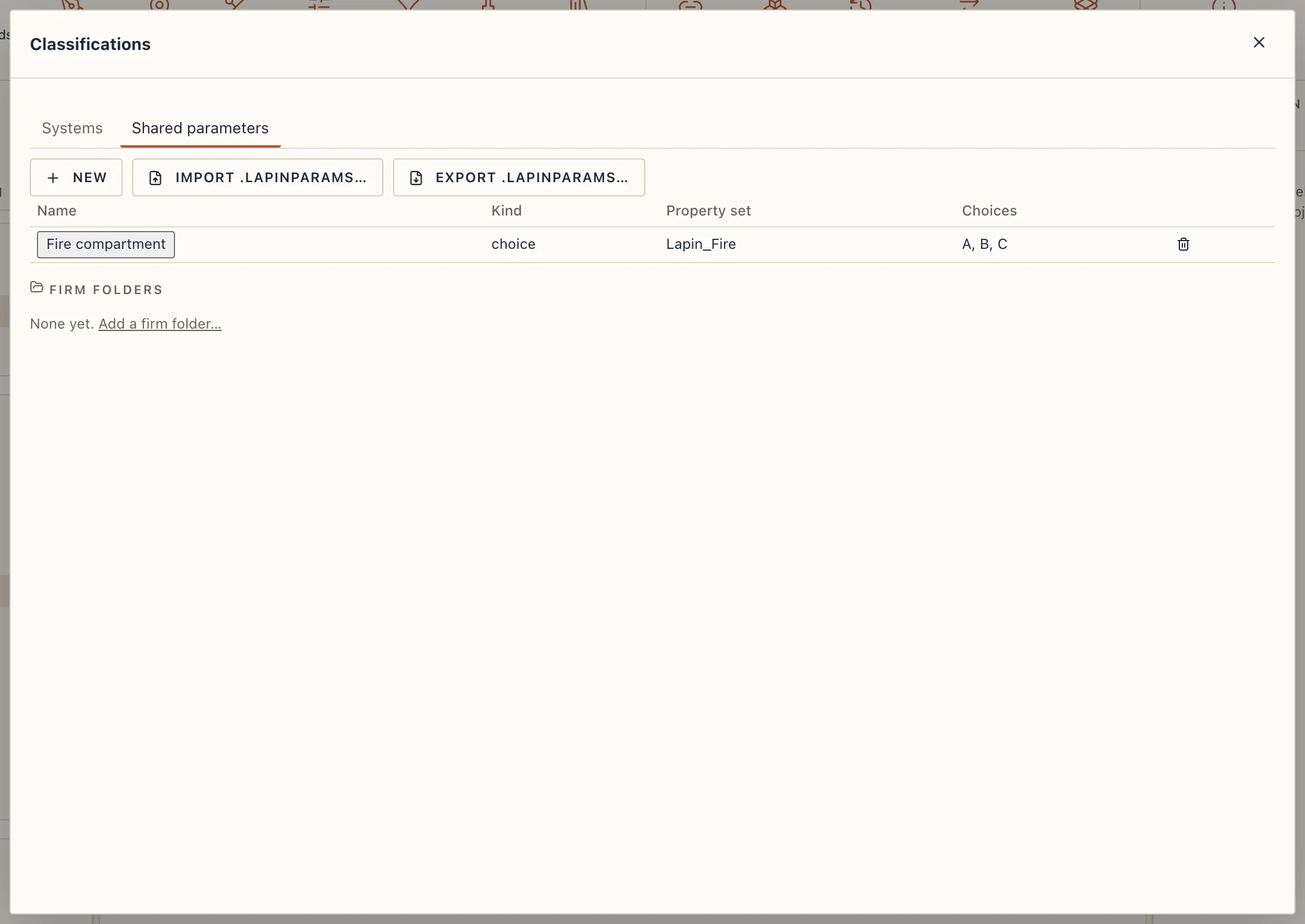
The Shared parameters tab keeps the project's parameter definitions, so that a parameter means one thing everywhere: tags, schedules and types find it by its name.
A definition has a Name, a Kind (text, number, length, area, angle, bool or choice), the Property set it goes to in IFC (empty: Lapin_Parameters; a set of yours never starts with Pset_, which IFC keeps for its own), its Choices for a choice parameter (separated by commas) and a Description. New opens the form, Add or Save keeps it, and a click on a name edits it. Removing a definition leaves the parameters already on elements as they are.
A parameter you add in Properties with a definition's name takes its kind and its set. Export .lapinparams… and Import .lapinparams… carry the definitions to another project.